 JNbot
JNbotKit collector
Collect kits across your accounts without logging into each one.
Give the repetitive work to your bots. Collect kits, run AFK scripts, and manage your Minecraft accounts in one place.
Free desktop app Windows / macOS / Linux
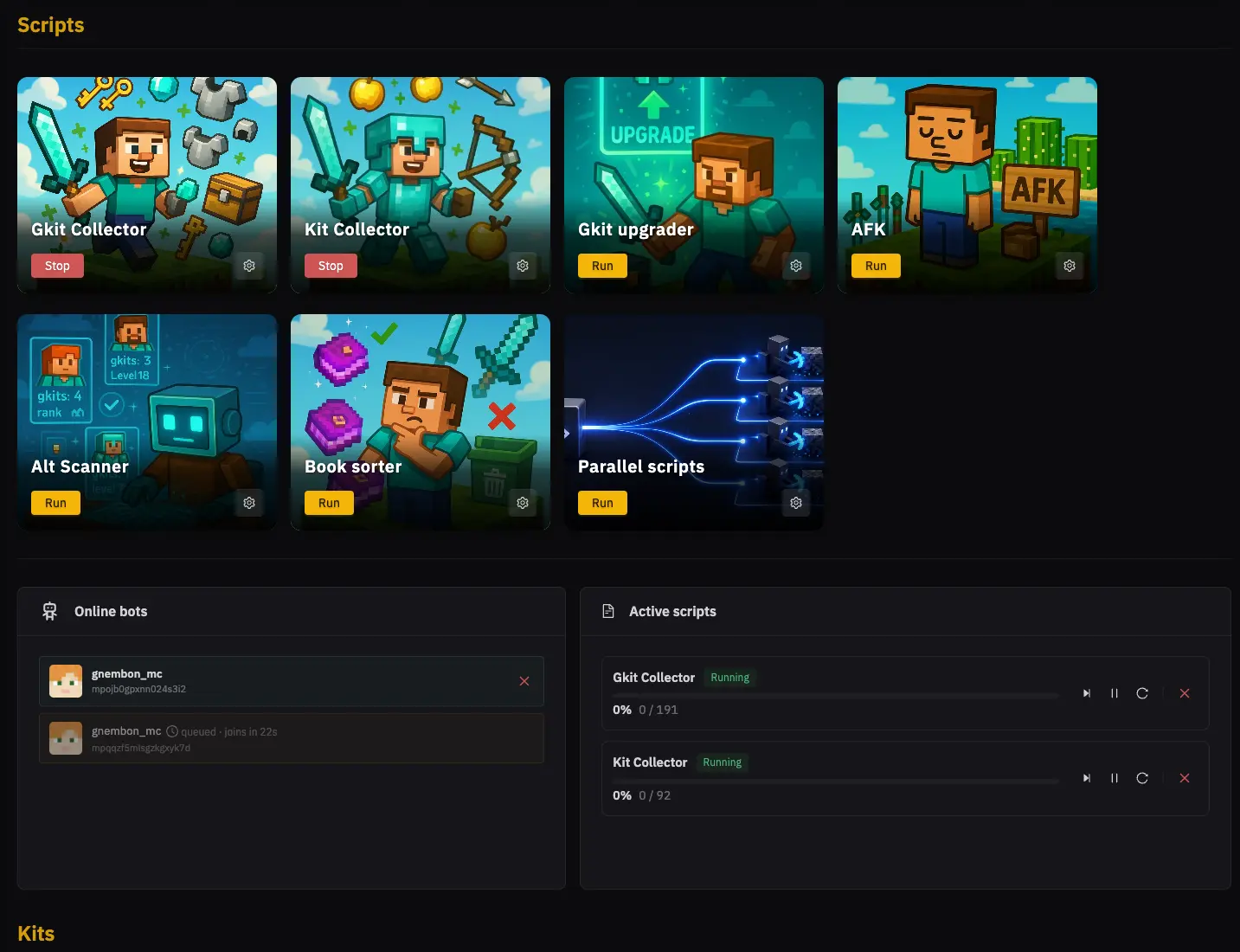
Pick a built-in script and let your bots handle the routine.
Collect kits across your accounts without logging into each one.
Let your bots open the GKit menu and collect available rewards.
Keep your bots at their AFK spots while you get on with your day.
Take the repeated inventory clicks out of sorting your books.
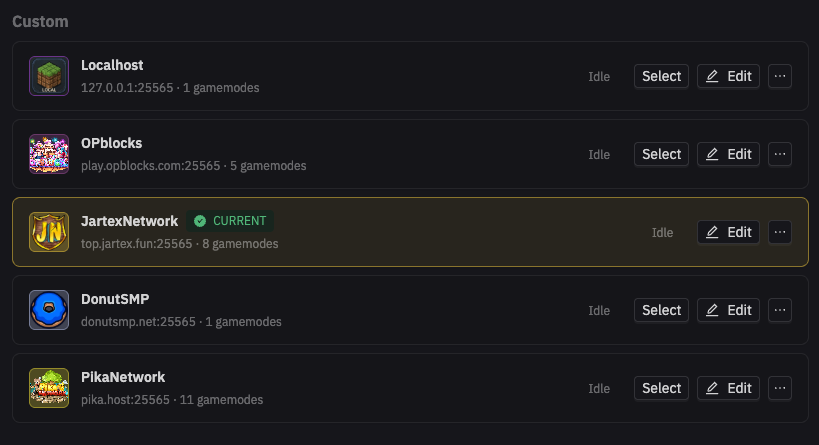
Available kits and script setup depend on your server profile.
See who is connected, what is running, and what each account needs. Switch server profiles without rebuilding your setup.
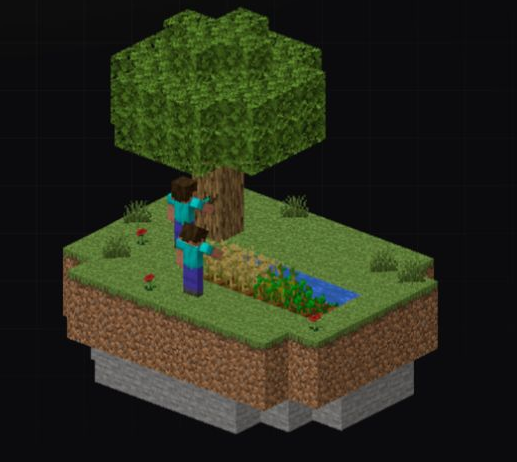
Record your movement and actions in Minecraft, then let a bot replay them. Another way to automate, without writing a script.
Your movements and clicks, captured in order.
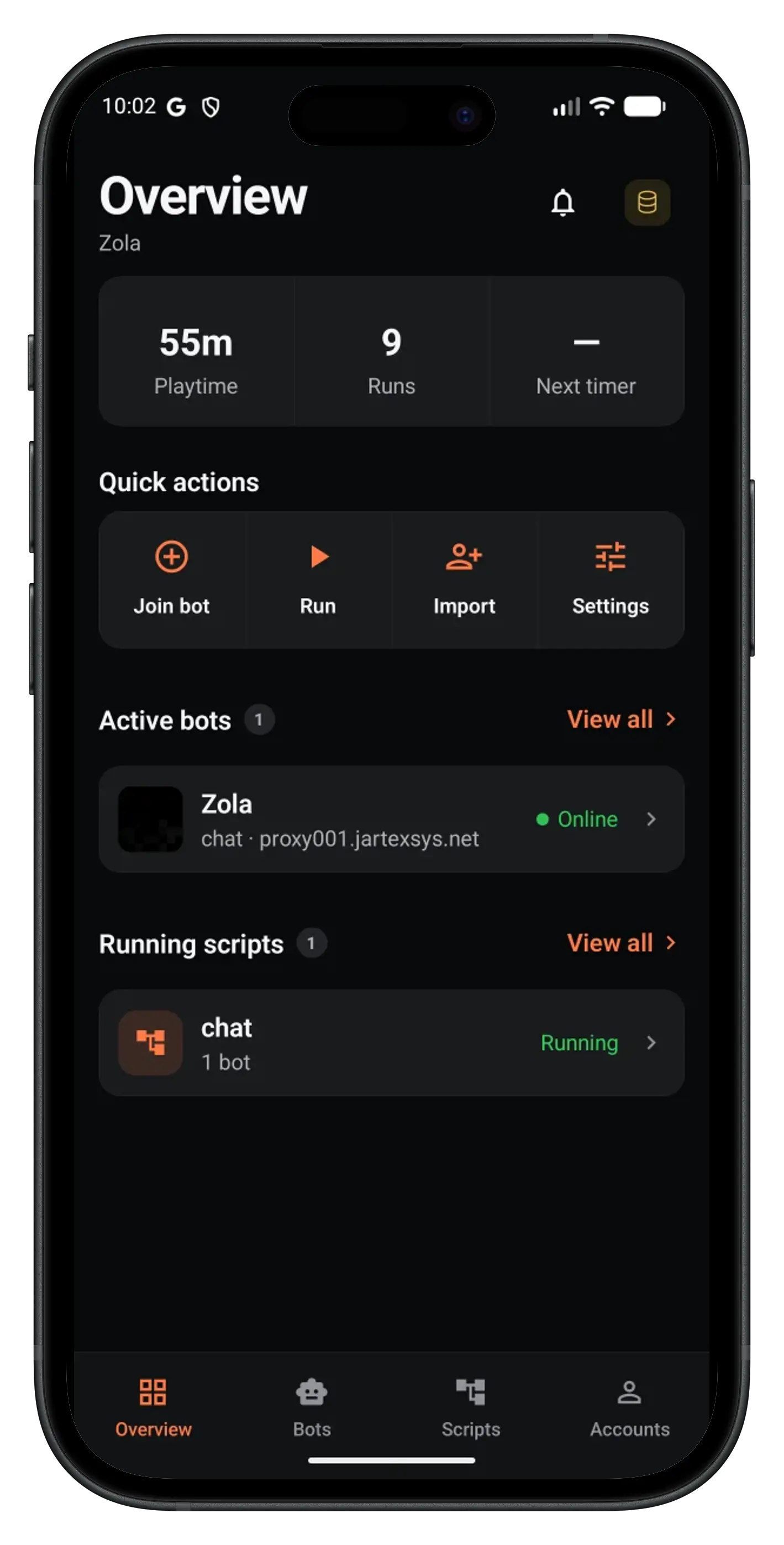 Your desktop keeps running.
Check bot status, run a script, send a message, or inspect an inventory from your phone. Connect to the JNbot instance running on your computer or server.
iOS via sideloading · Android in private testing
Make it yours with JavaScript or TypeScript. Change the chat message below, then run the example to see your bot get to work.
1const { Bot } = require("JNbot");2const bot = await Bot.join({ username: "MyAlt" });3await bot.chat("");4bot.setControlState("forward", true);5await bot.waitForTicks(20);6bot.setControlState("forward", false);7const ore = bot.findBlock({8 matching: b => b.name === "diamond_ore",9 maxDistance: 410});11if (ore) await bot.dig(ore);Download JNbot for your desktop and start with a built-in script. No code needed.